
6 Ways to Get More From Cybersecurity Hackathons in Philadelphia
A cybersecurity hackathon is a time-boxed event where teams build security tools, attack and defend …
Read More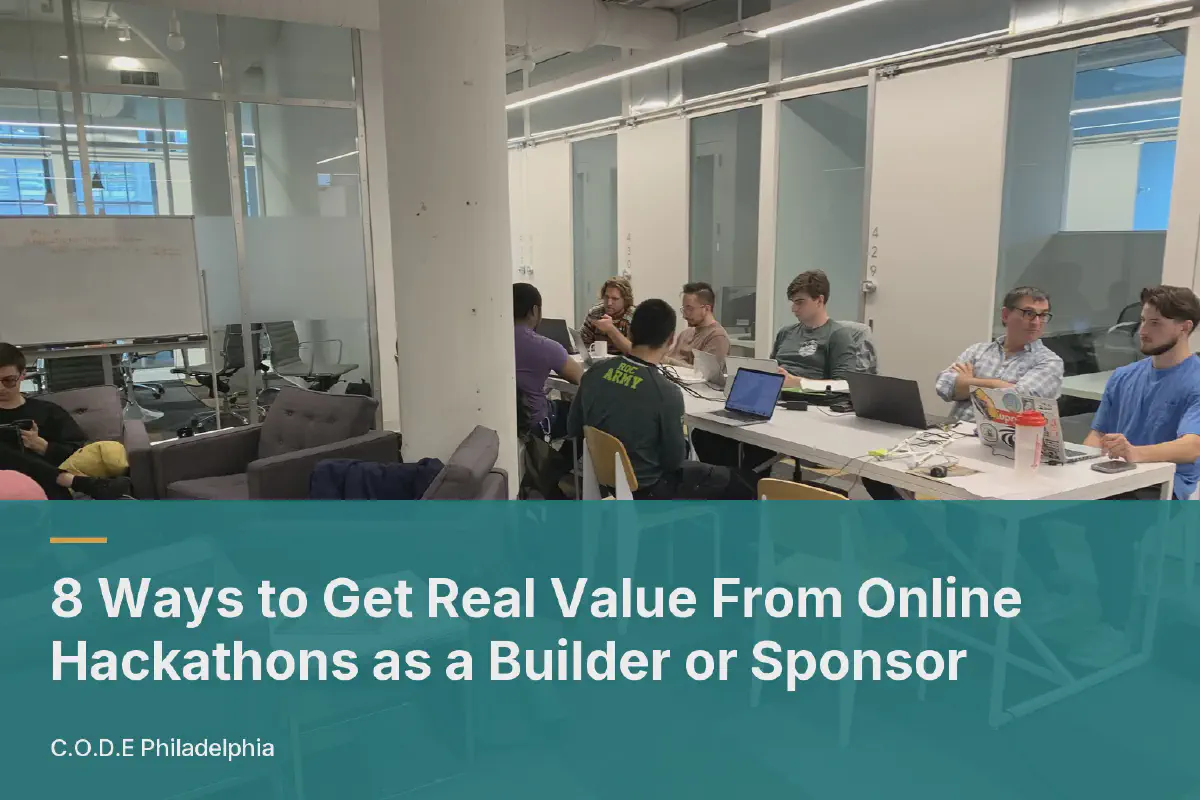
Eight practical tips for online hackathons: picking free and beginner-friendly events, staying on track remotely, and how sponsors can fund real outcomes.
An online hackathon is a time-boxed building event where participants form teams, write code and submit a project entirely over the internet, usually through a submission portal, a chat server and a few video calls. There is no venue, no badge pickup and no shared pizza table. That freedom is the appeal, and it is also the reason so many people register, open the kickoff stream and never ship anything.
We run C.O.D.E Philadelphia, a volunteer-run community of developers and engineers, and our work is built around in-person weekly coding sessions and quarterly hackathons at venues like Pennovation Works. Our 490+ builders on Discord also join remote events all year, and we hear the same stories again and again: the team that fell apart on day two, the student who finally shipped a first project, the sponsor whose challenge got zero submissions.
This round-up is for everyone who touches these events. Developers and bootcamp graduates will find tips on choosing events and finishing them. Students and beginners will find advice on free events that welcome newcomers. Corporate sponsors, CSR managers and donors will find guidance on funding online events that produce outcomes worth reporting.
 Most online hackathon work happens at kitchen tables and home desks.
Act on this first: before you register, write down the single thing you want to leave with (a portfolio project, a teammate, a skill or a working demo). Online events reward focus. Without a goal, the open format makes it very easy to drift away by the first evening.
Read the judging rules before the prize table. Every online hackathon tells you how projects are judged, and that detail shapes your entire weekend. Some events want a live demo during a scheduled slot. Others want a two-to-three-minute recorded video, a public repository and a written description. A few judge mostly on the written pitch. Choose the format that plays to your strengths.
Prize size does affect behavior. Bigger prizes keep people committed, but they also draw stronger and more experienced teams. If your goal is learning, a smaller event with clear judging criteria and active mentors can teach you more than a crowded global contest where you are one of thousands.
Most online hackathons cost nothing to enter, so the real cost is your time. Free entry is the norm for remote events because organizers and sponsors cover the platform and prizes. That makes them one of the lowest-risk ways for early-career developers to produce public, dated proof of work. A finished hackathon repository with a clear README and demo video is something a hiring manager can actually look at.
The catch is that free events vary widely in quality. Some are thin marketing campaigns for an API, where the only goal is sign-ups. Others are well-run, with mentors, workshops and thoughtful judges. You can usually tell the difference from the event page: named judges, a published schedule and an active chat channel are good signs. A vague brief and a single prize for using a product are weaker ones.
Look for beginner tracks, student eligibility rules and teaching workshops. Many online hackathons have a dedicated beginner or first-timer track judged separately from experienced teams. Student-only events often limit eligibility by enrollment, which keeps the field even. These events are where a bootcamp graduate or a second-year student can compete fairly and get useful feedback.
Youth-focused online events can reach a remarkable range of people. UNESCO’s Youth Hackathon is one example: its 2024 edition set a new record with 202 teams from 68 countries submitting projects. Events like that show how a remote format lets students collaborate across borders with no travel budget at all. For a first event, the best signs are a published workshop schedule, a code of conduct and organizers who say plainly that no prior experience is required.
Teams formed in the first hour of an online event break up most often. In person, you can read a room and find people who fit. Online, team matching usually happens in a busy chat channel with strangers in different time zones. Teams formed that way often lose members overnight once someone realizes the project is not what they expected.
The fix is to form your team, or at least a core pair, before the event opens. Ask friends, classmates or members of a local community. When we post remote hackathons in our Discord, members often team up with people they have already coded beside at our weekly sessions. Knowing how someone works makes the remote part far easier.
 Teammates who have coded together in person tend to hold together online.
If the event judges a recorded demo, build what the video needs to show. At those events, judges review a short video, and many never run your code. That changes the goal. You need one clear story: the problem, the person who has it and the moment your project solves it on screen. Everything else is optional. Live-demo and pitch-judged events reward the same single story, told in the demo slot or the written pitch.
Teams lose online events by over-building. They spend thirty hours on login systems and databases and two rushed hours on a video nobody can follow. Scale has made this sharper: when Bolt ran its 2025 online hackathon, more than 130,000 people registered. With fields that size, judges move quickly, and a clear ninety-second demo beats a sprawling feature list.
Short scheduled calls keep a distributed team from drifting apart. Remote teams fail in ways that are hard to notice. One person gets stuck and says nothing, another rebuilds the same feature, and by the deadline the parts do not fit. Fixed check-ins solve most of this. Three or four short calls across the event are enough for most teams.
Use each check-in to answer three plain questions: what is done, what is blocked and what is next. Keep the call short and end it. Between calls, work in a shared channel and push code often so nobody is surprised by a large merge at the end. Protect sleep, too. Tired developers make mistakes that take longer to fix than the hours they saved.
Online hackathons work best with a local community behind them. The weakest part of remote events is the human part: meeting collaborators, getting unstuck quickly and staying motivated. A local group fills that gap. Some builders join an online hackathon and then work on it together in person, which combines a global field with real people sitting next to them.
This is the reason C.O.D.E Philadelphia calls itself a working community. Our 5,700+ Meetup members can code side by side every week, and many bring remote hackathon projects to those sessions to get feedback or recruit help. Our quarterly in-person hackathons, including the AI Agent Hackathon, give people a place to practice skills they then use online. For Philadelphia developers, joining a local group turns a lonely weekend of screens into a shared project.
The money that changes outcomes goes to mentors, workshops and follow-up. Prize pools raise submission rates, but they mostly reward people who were already likely to win. For CSR programs focused on inclusion and skills, the more effective spend is on the support around the event: mentor hours, beginner workshops, accessibility and help for participants after the event ends.
Online events can reach large audiences cheaply. Reach alone is a weak metric for a CSR report, though. Stakeholders want to know who was helped and how, so ask organizers what they will measure before you commit funds.
Local community partners make that last point easier. A sponsor who backs both an online event and an in-person community gives participants somewhere to go once the deadline passes, and that ongoing support is where much of the skill growth happens.
Want online hackathons to lead somewhere lasting? Builders can join C.O.D.E Philadelphia’s weekly coding sessions and Discord to find teammates and finish projects. Companies and donors can sponsor or donate to help Philadelphia developers of every skill level get mentoring, workshops and a place to keep building, or volunteer at our next quarterly hackathon.
Powered by gofylo.io